
Download PDF Converter Ultimate – PDF to Word, PDF to Excel, PDF to JPG, PDF converter
Overview
PDF Converter Ultimate is a streamlined mobile application designed to simplify the process of converting PDF documents into a variety of common file formats. Its primary purpose is to enable users to transform static PDFs into editable or image-based files such as Word, Excel, PowerPoint, JPG, PNG, BMP, GIF, and TXT. This functionality addresses the common need for document flexibility, especially among professionals, students, and casual users who require quick access to content in different formats. The app targets individuals who frequently handle PDFs but do not need advanced editing tools—offering a focused solution for basic conversion tasks.
Real-world use cases include extracting text from a PDF for editing in Word, converting a report into an Excel spreadsheet for data analysis, or turning a multi-page document into individual image files for sharing or archiving. These scenarios are particularly relevant in academic, business, and personal organization settings. While the developer did not provide additional technical details about their background, the app’s consistent functionality and long-standing presence since its release on October 30, 2013, suggest a stable and reliable service. The app holds a niche position in the productivity ecosystem by delivering essential file conversion without unnecessary bloat.
Key Features & Functionality
- Multiple Format Support: The app supports conversion to a wide range of formats, including Word (.docx), Excel (.xlsx), PowerPoint (.pptx), and common image formats such as JPG, PNG, BMP, and GIF. This versatility allows users to adapt their PDF content to specific workflows or sharing requirements.
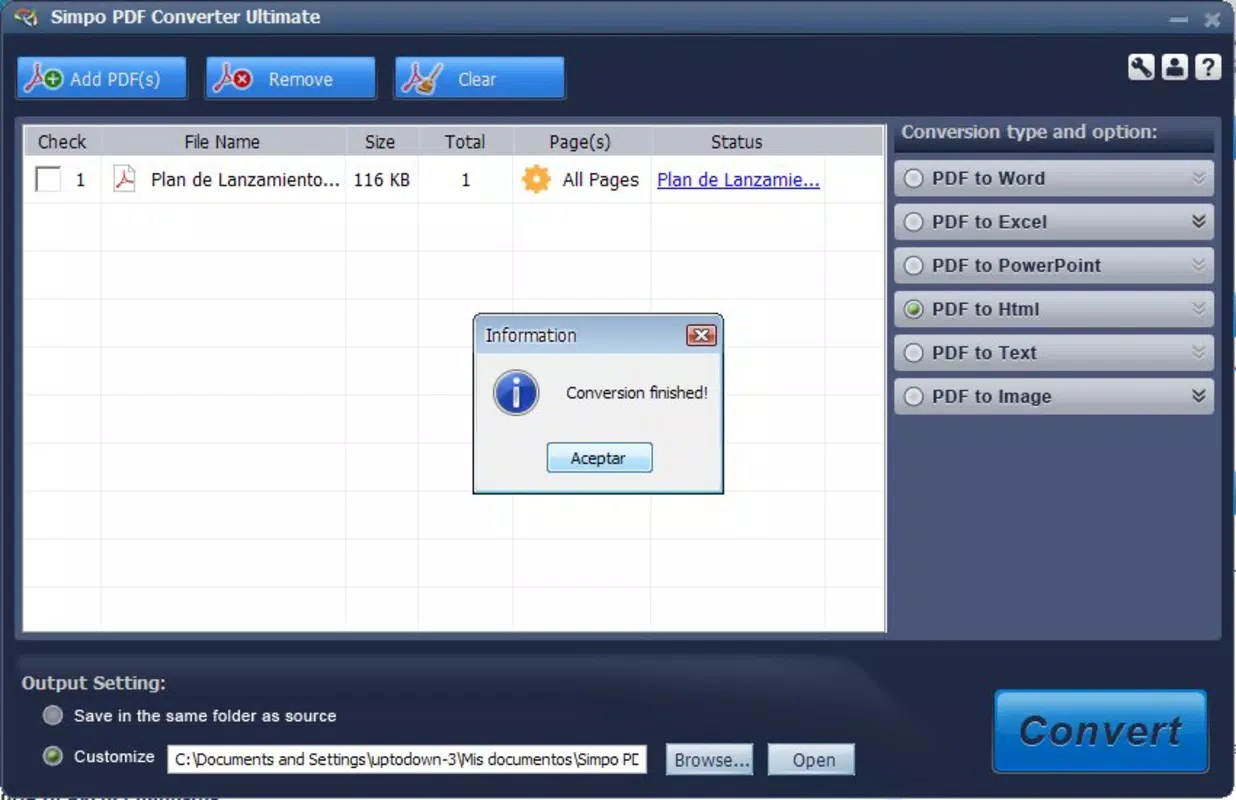
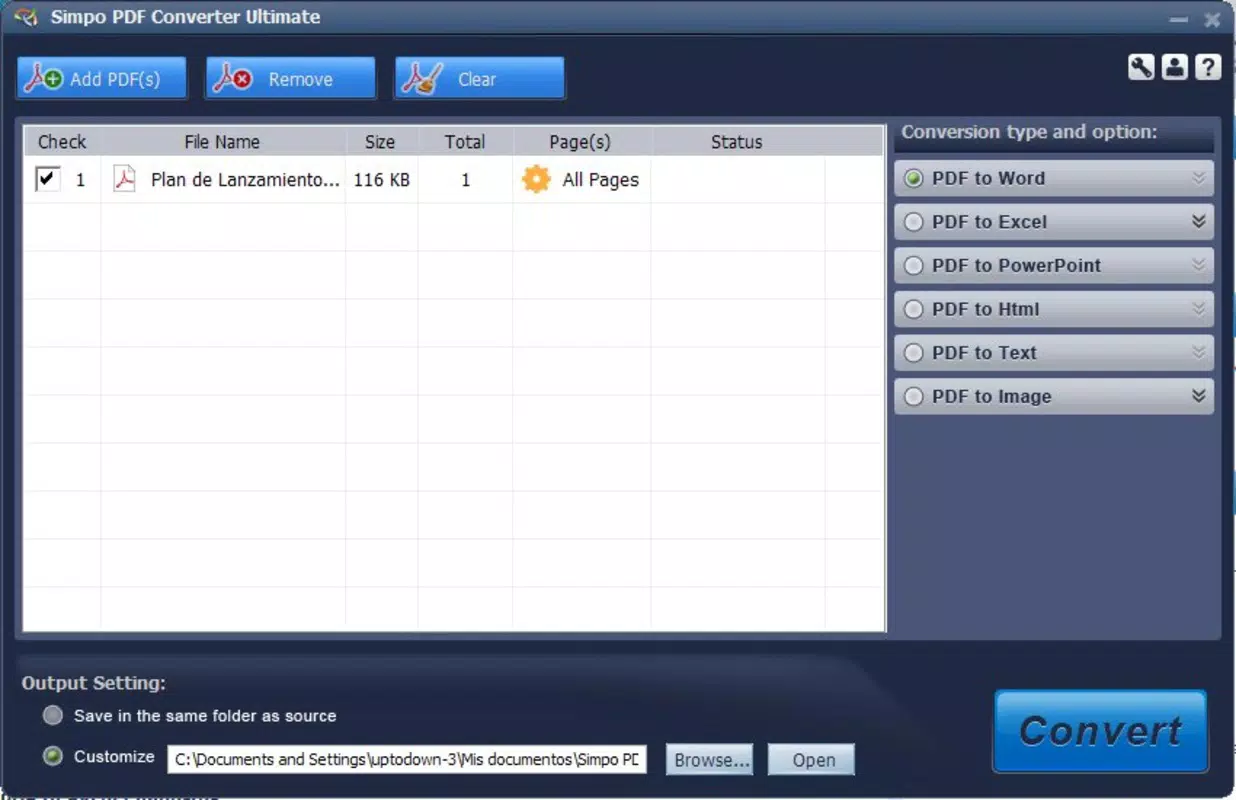
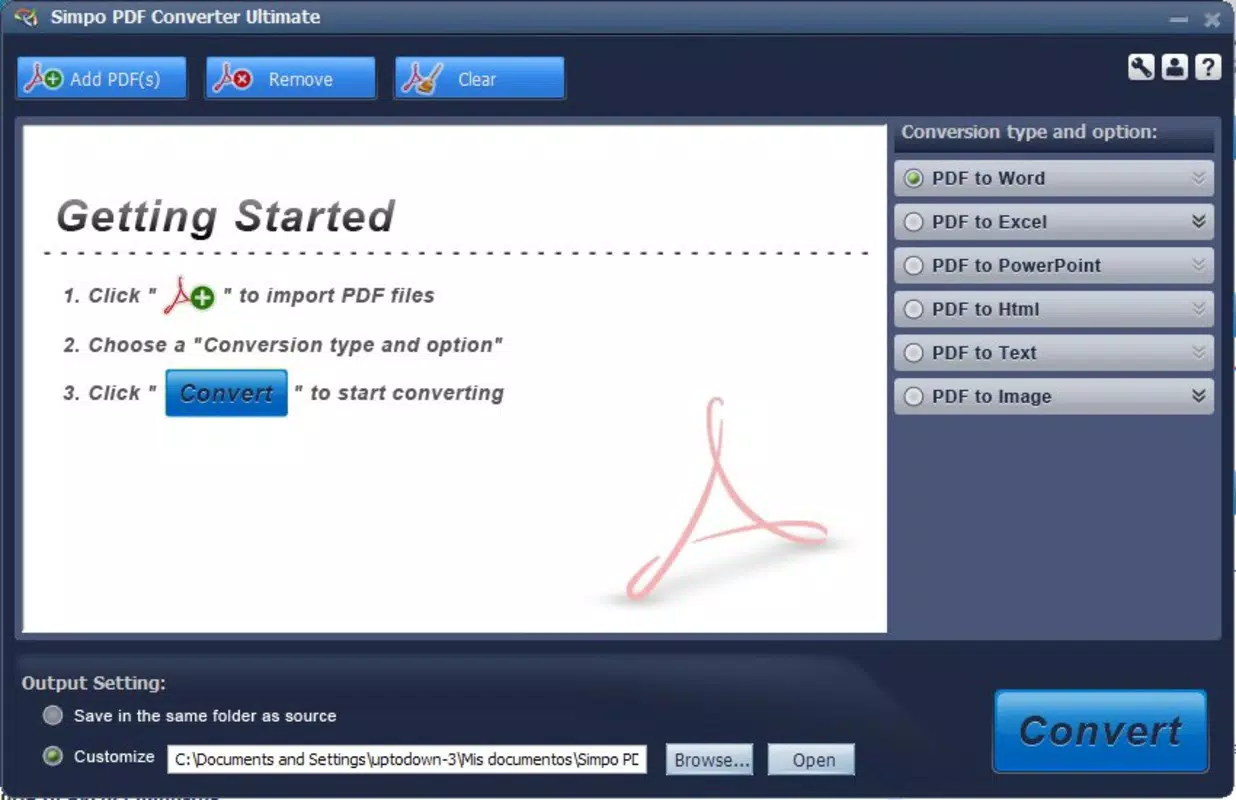
- User-Friendly Interface: The interface is designed for minimal user input. Users select a file from their device and choose the desired output format from a simple dropdown or list. A large, clearly labeled “convert” button initiates the process, reducing the learning curve for all user levels.
- Fast Conversion Speed: PDF Converter Ultimate is optimized for efficiency, completing conversions in seconds. This speed is especially beneficial for users managing multiple files or working under time constraints, improving overall productivity.
- Lite and Accurate Tool: The application maintains a lightweight footprint (15.6 MB) and focuses on core functionality. It avoids feature overload, ensuring accuracy and stability during conversion, which is critical for preserving document integrity.
For example, a student can quickly convert a scanned lecture PDF into a Word document for note-taking, while a small business owner might transform a client proposal into an Excel file for budgeting. The app’s straightforward design ensures that users achieve their goals without navigating complex menus or settings.
Interface, UX & Performance
The user interface of PDF Converter Ultimate is clean and minimalistic, emphasizing usability over visual flair. Navigation is linear and intuitive: users access their files, select the target format, and tap the “convert” button. This flow reduces cognitive load and supports quick task completion, especially for users unfamiliar with document conversion tools.
Visual elements are functional rather than decorative, with clear icons and readable text. The layout adapts well to various screen sizes, though specific compatibility details were not listed. Although the developer did not list formal performance metrics, the app’s lightweight design and fast conversion speed suggest consistent responsiveness across mid-range and higher-end Android devices.
Stability appears to be a strength, given the app’s long release history. Users can expect minimal crashes or errors during standard conversion tasks. However, the developer did not provide information about background processing, file caching, or memory usage, so real-world performance under heavy use remains unverified. Overall, the UX is optimized for simplicity and reliability.
Platform Compatibility & Technical Requirements
PDF Converter Ultimate is available exclusively on the Android platform. The current version is 1.2.3, with a file size of 15.6 MB. This compact size indicates a lightweight application, ideal for devices with limited storage capacity. The app is offered at no cost, making it accessible to a broad audience.
The developer did not specify minimum OS requirements or compatibility with specific Android versions. As a result, users should ensure their device meets general Android standards for running apps of this type. Compatibility information was not fully disclosed, so installation on older or highly customized Android systems may vary. Users are advised to check their device’s system settings before installation.
Pros and Cons
Pros
- Free to download and use, with no in-app purchases or hidden fees.
- Supports multiple output formats, increasing versatility for different user needs.
- Simple interface designed for quick, one-step conversions.
- Lightweight application with minimal storage impact (15.6 MB).
- Fast conversion speeds, ideal for time-sensitive tasks.
Cons
- Developer did not provide detailed technical specifications or OS compatibility requirements.
- Limited customization options for conversion settings.
- No support for batch processing of multiple files.
- Specific performance data under heavy usage was not disclosed.
- Availability is restricted to Android only; no iOS version was mentioned.
FAQ
Is PDF Converter Ultimate safe to download and install?
Yes, the app is available as a free download on Android. While the developer did not provide a security certificate, its long-standing presence and lack of reported malicious behavior suggest it is safe for general use. Users should always download from official sources.
Can I convert multiple PDFs at once?
The app does not support batch conversion. Each file must be processed individually, which may slow down workflows involving numerous documents.
Is there a version available for iOS devices?
As of now, the app is only available for Android. There is no official iOS version listed by the developer.
How long does the conversion process take?
Conversions typically complete in seconds, depending on file size and device performance. The app is optimized for speed and efficiency.
Do I need an internet connection to use the app?
Yes, the app requires an active internet connection to function. It may use cloud-based processing or online services to perform conversions.
Final Thoughts
PDF Converter Ultimate stands out as a dependable, no-frills solution for users seeking quick and accurate document conversion on Android. Its focus on simplicity, speed, and support for multiple formats makes it ideal for students, professionals, and anyone managing PDFs regularly. While it lacks advanced features like batch processing or deep customization, its lightweight design and free access offer strong value for basic needs.
For users who prioritize efficiency and ease of use over complexity, this app delivers a solid experience. Its long-standing presence in the market speaks to its reliability and consistent performance. If you’re looking for a straightforward way to convert PDFs to Word, Excel, or image formats on your smartphone, this tool is a practical choice.
Download PDF Converter Ultimate now


